Access Control
When you create an archive, it is only visible to you. Other users cannot see the archive or access its contents unless you explicitly grant them permissions. In principle, admin users can access your content but may only do so if this is required for administrative purposes. See the Terms of Service for further information.
User Roles
There are three types of users for archives:
- Editors: An editor is someone who can edit the archive settings, add and remove other editors, uploaders and users. They can also upload cases and edit archive items. An archive can have as many editors as you want.
- Uploaders: An uploader is a user who can view and upload images to the archive and edit archive items.
- Users: A user can view the images, but cannot upload or edit them.
| Role | View/Download | Upload | Delete | Manage settings |
|---|---|---|---|---|
| Archive User | ✅ | ❌ | ❌ | ❌ |
| Archive Uploader | ✅ | ✅ | ❌ | ❌ |
| Archive Editor | ✅ | ✅ | ✅ | ✅ |
Assigning Roles to Users
Only editors of an archive can manage the assignment of roles to users. By default, the creator of the archive is its only editor. Here is how you can manage roles for other users. We use the uploader role as an example, but the other roles are managed the same way:
-
1
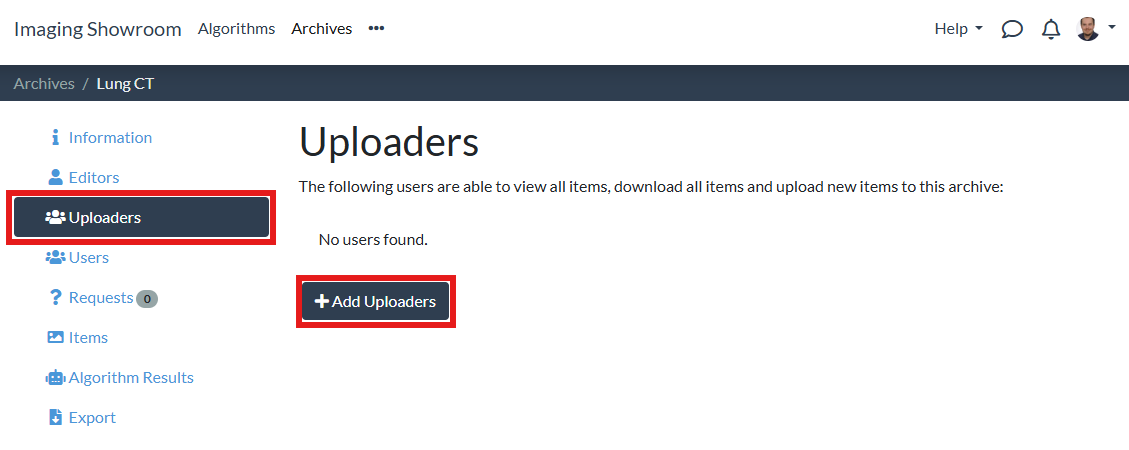
On your archive's page, go to the "Uploaders" tab and click the "+ Add Uploaders" button:
-
2
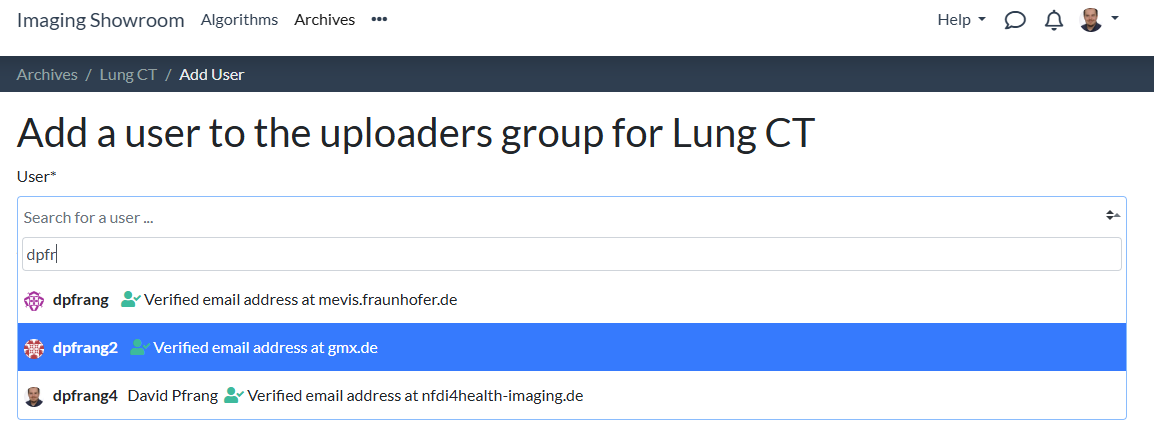
In the form, look for the user you want to assign the role to by entering the user's name:
-
3
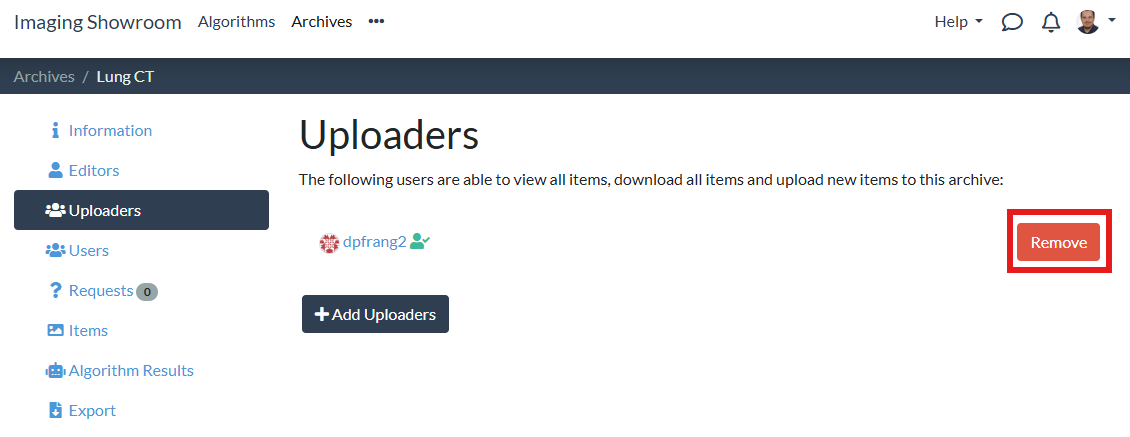
Hit the "Save" button. Afterwards, you can see the user in the list of uploaders for your archive and can remove the uploader again if you wish: