How to use the CuraMate Viewer
A viewer is an application that is used to view images and algorithm results. The default viewer is CuraMate.
Starting a viewer
You can start a viewer in several ways:
- from an Algorithm ⟶ Results ⟶ Open Result in Viewer to view the results of an algorithm
- from an Archive ⟶ Items ⟶ Viewer to view individual images
- from an Upload Session ⟶ View Image
Once you have started the viewer you will see a screen similar to this (in this case an archive item):
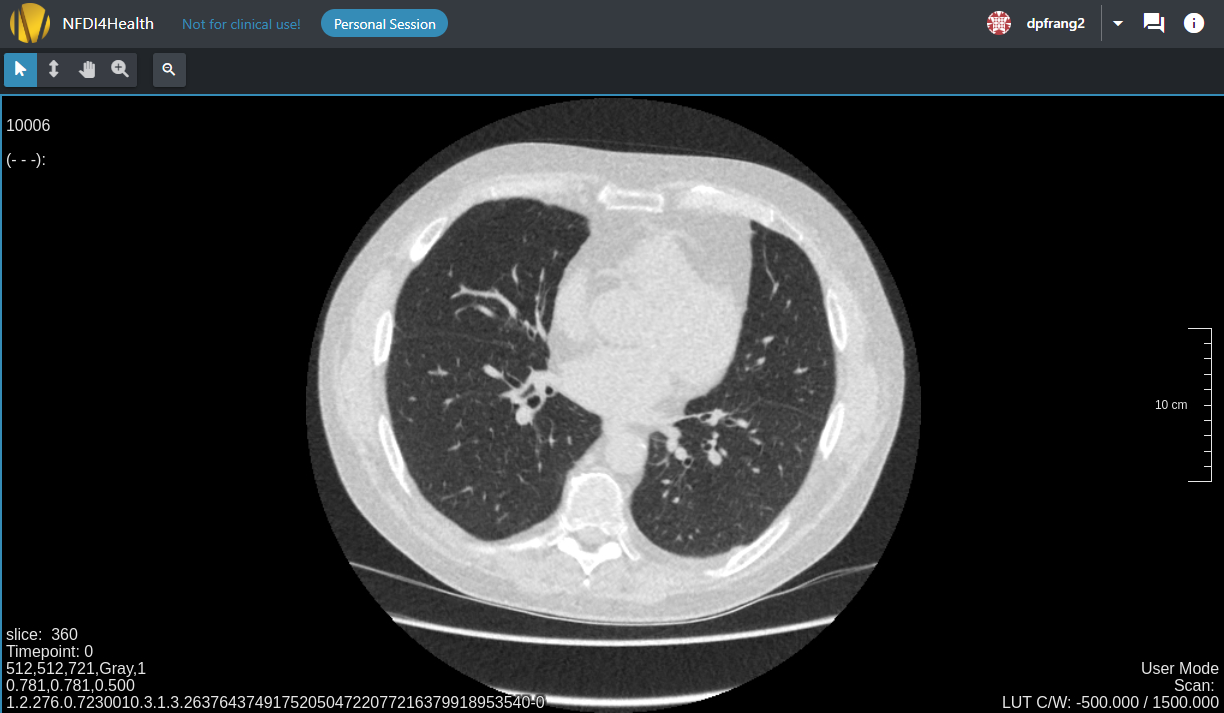
Let us look at some sections of the screen in more detail:
Navbar

You can use the navbar to access the documentation, your profile, and general information about the viewer.
Tools

The tools panel shows the tools that can be used to interact with the image, such as zoom, pan, and scroll, depending on the type of image displayed. The active tool will always respond to the left mouse button. The other mouse buttons are linked to default interactions:
- Middle mouse button: Scroll
- Right mouse button: Window width/center
Images
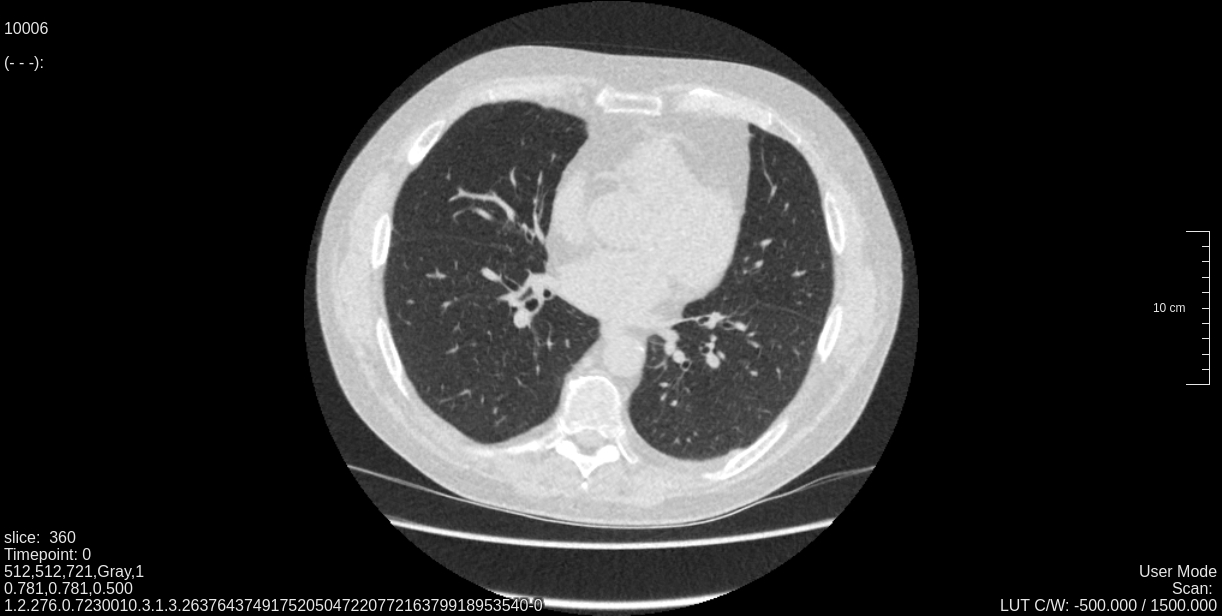
The viewer shows one or more images. It also shows certain metadata for the image (e.g. slice number, resolution, slice thickness).