Account Verification
Once you have registered as a user on Fraunhofer MEVIS Showroom, you also need to have your account verified before you can upload data and execute algorithms. This involves a check to ensure that you are an authentic user with no duplicate accounts.
💡 Important: Before requesting verification please check that your user profile information is as complete as possible, including your full name and your institution or company details.
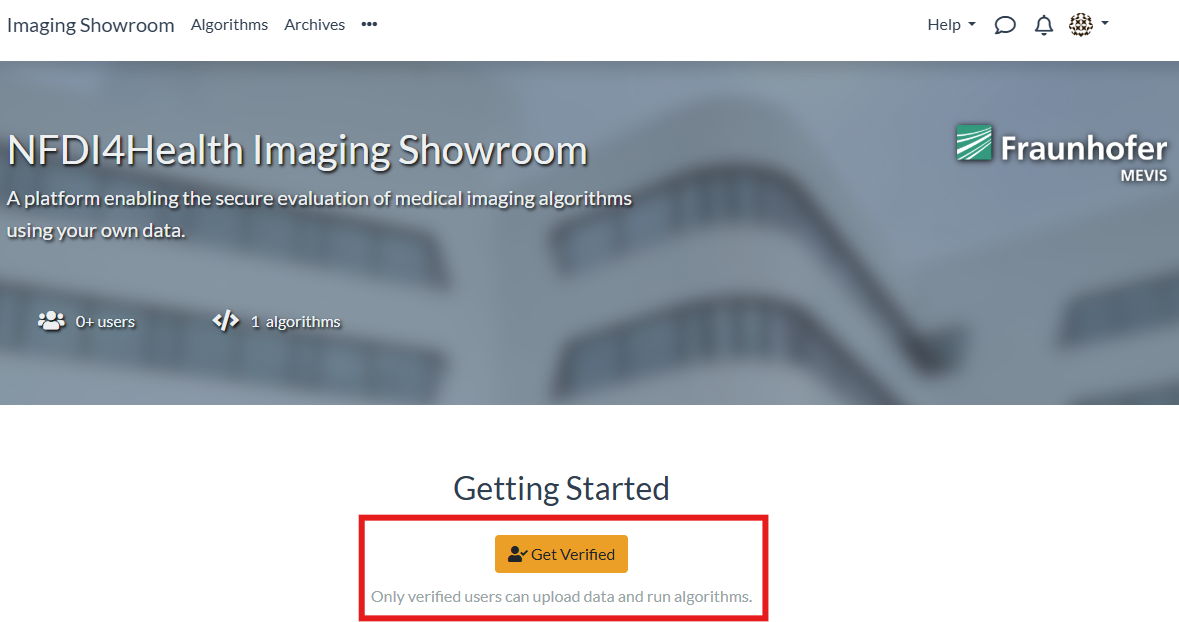
To request verification please follow the steps below.
- 1
-
2
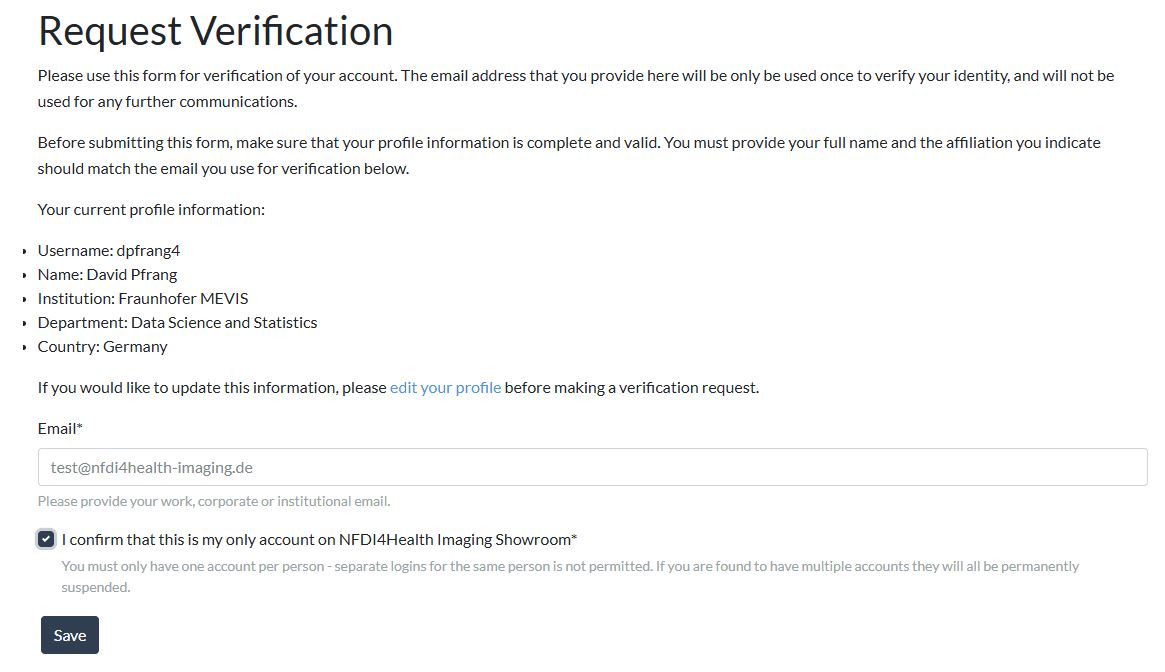
Check your profile information, confirm that this is your only account, and request verification:
-
3
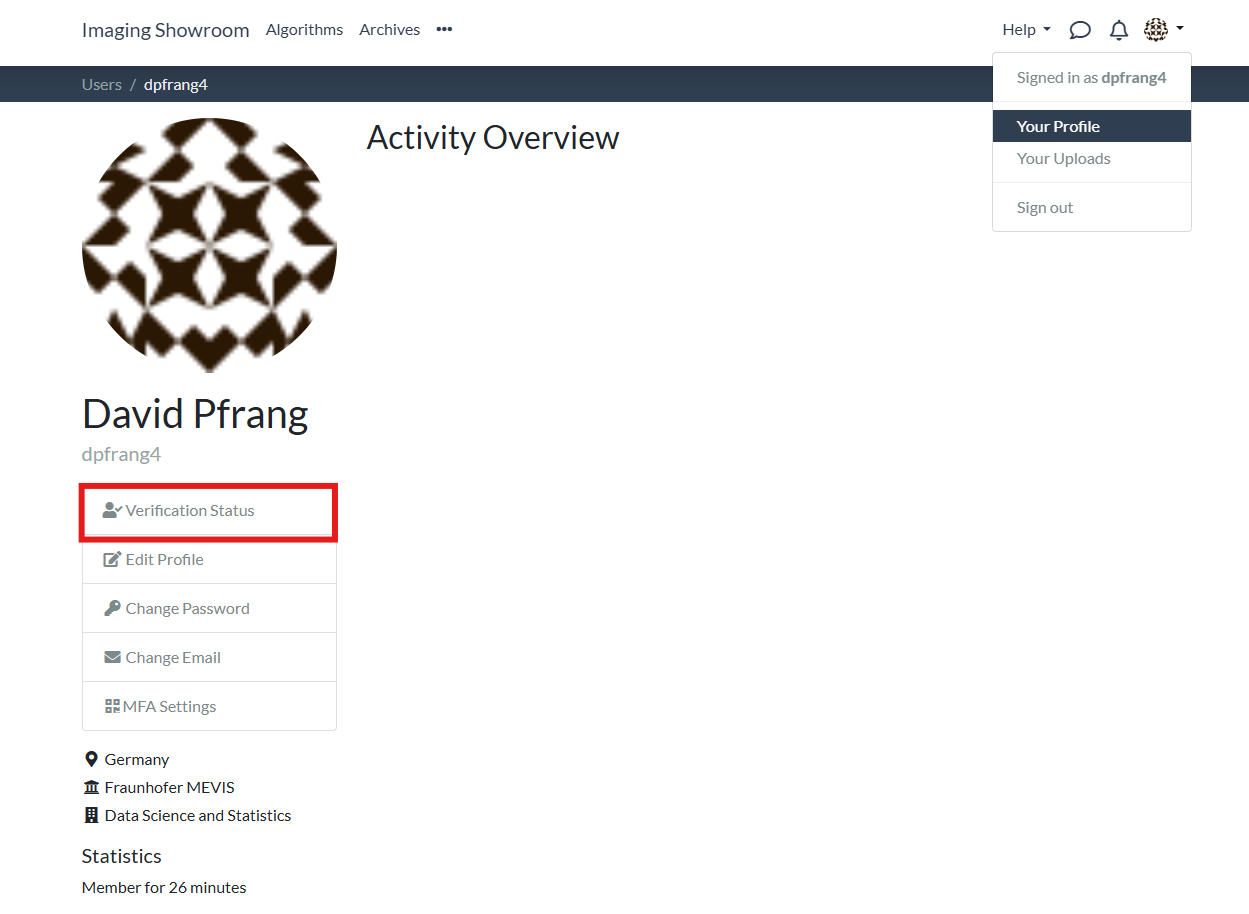
Your verification request will be reviewed by us. The process can take up to 9 days. You can check the current status on your profile page:
-
4
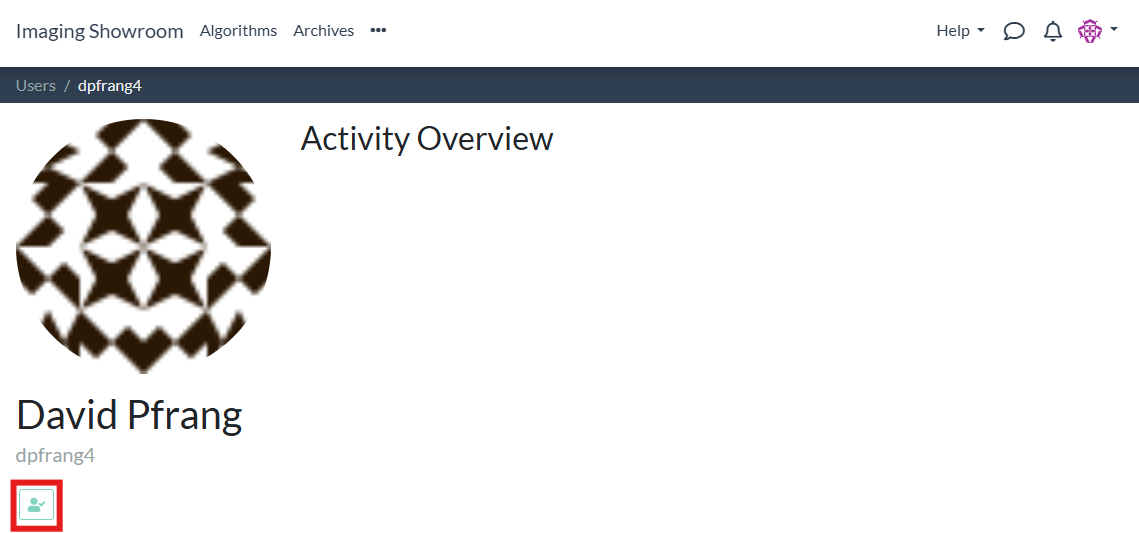
Once you are verified, you get a confirmation mail. You also see a verification badge in your user profile:
Next steps: After verification, you are ready to get started. Check our documentation on how to upload data and how to run algorithms.