Upload Sessions and Cascading Deletes
Deleting an upload session is irreversible. When deleting an upload session, you also delete all associated data. This includes:
- The underlying medical image data.
- Algorithm results, if algorithms have been executed on the uploaded images.
- Archive items, if the upload session has been created for an upload to an archive.
- Archives, if the archive is empty after the upload has been deleted.
The Role of Upload Sessions
Whenever you upload data to this platform, an upload session is created. Deleting an upload session cascades to deleting corresponding archive items and algorithm results:
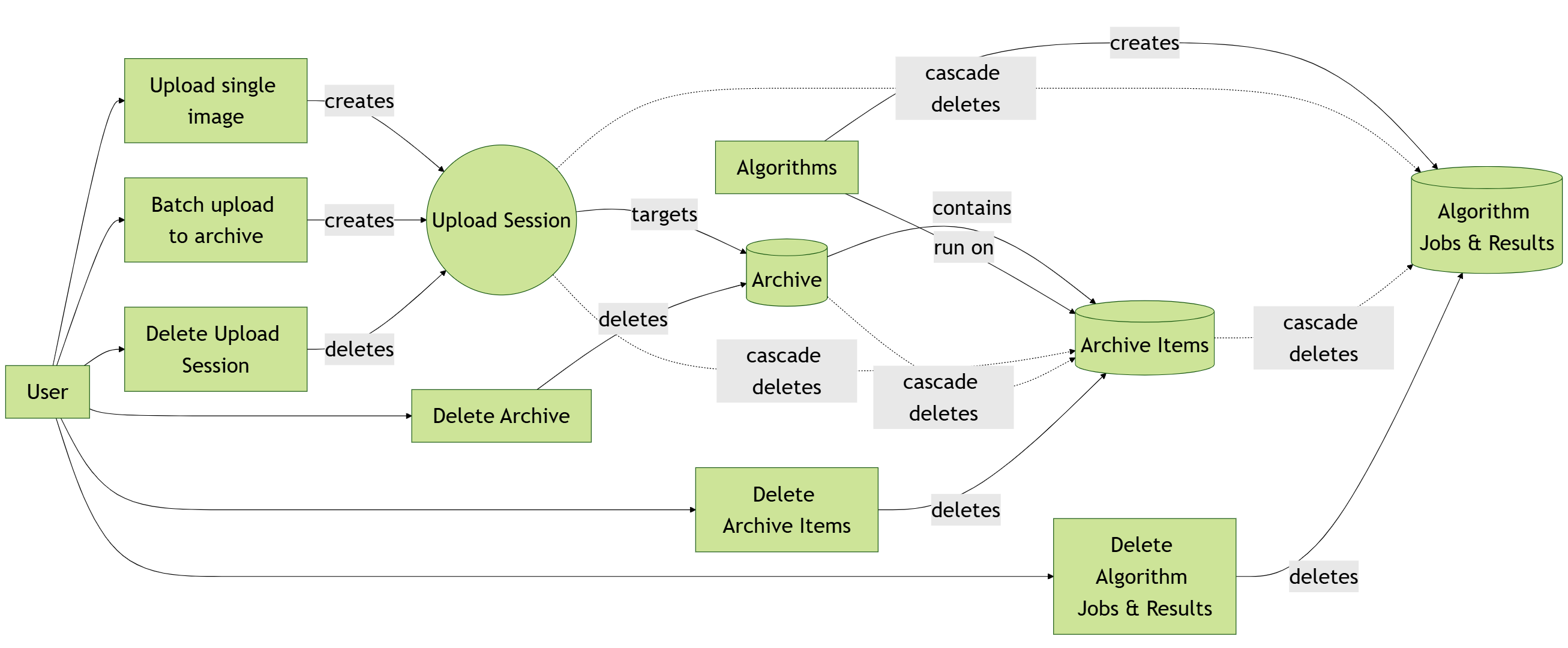
Therefore, if you want to make sure all data that you have uploaded is deleted, it is recommended to delete the upload sessions.
How to Delete Upload Sessions
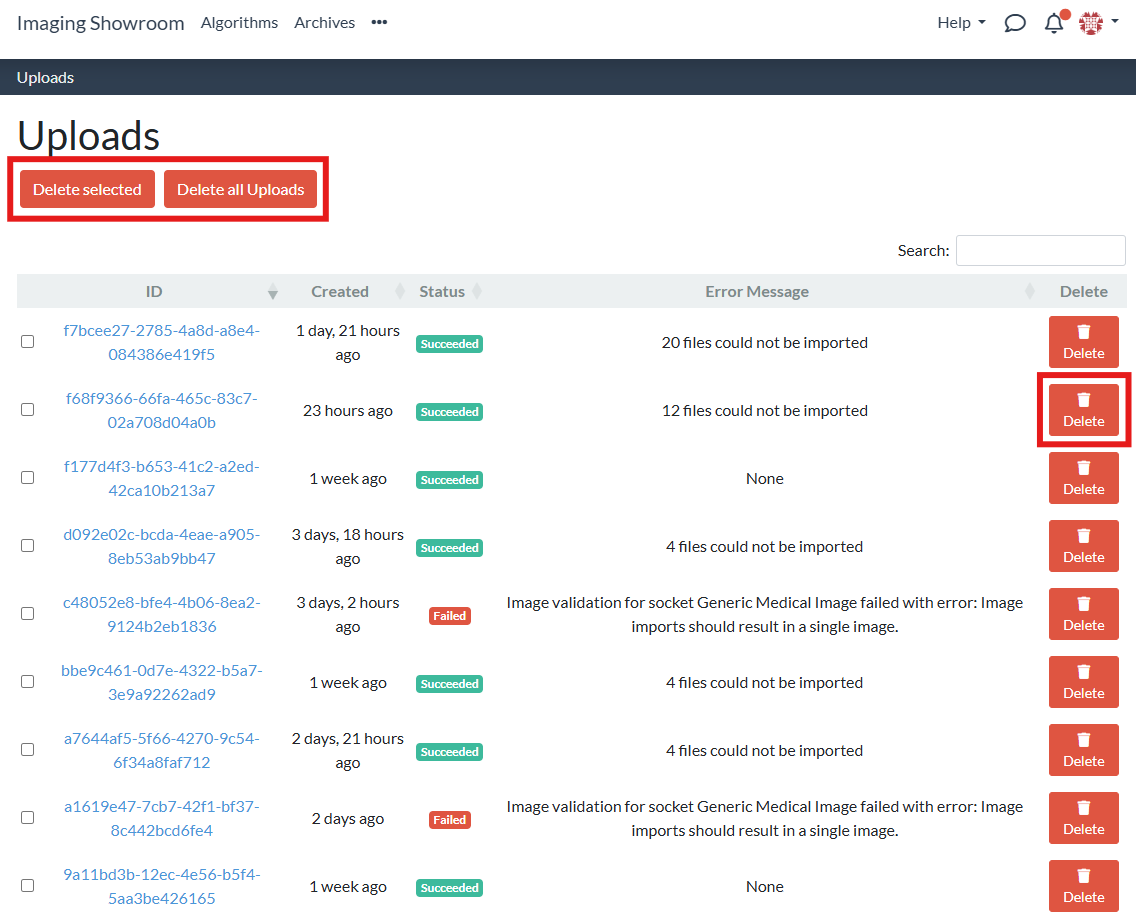
Navigate to your uploads:

On this page, you see a table containing all of your uploads. You can either delete single or multiple uploads:
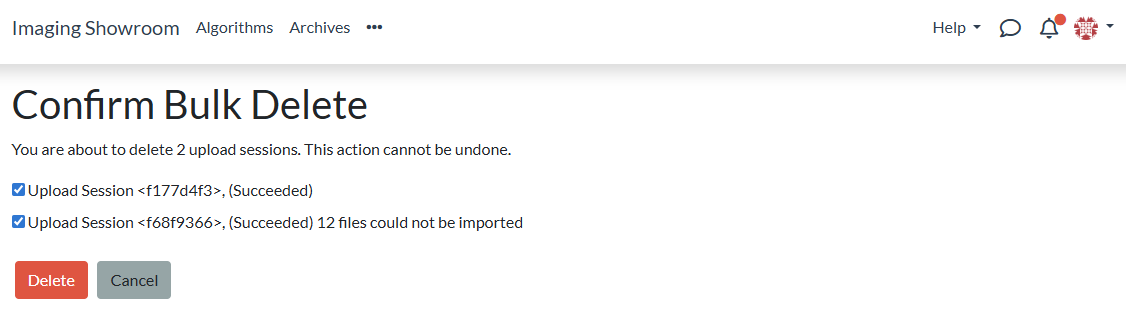
In any case, you need to confirm the deletion before it is done: