User Roles and Access Restrictions
Request Access to an Algorithm
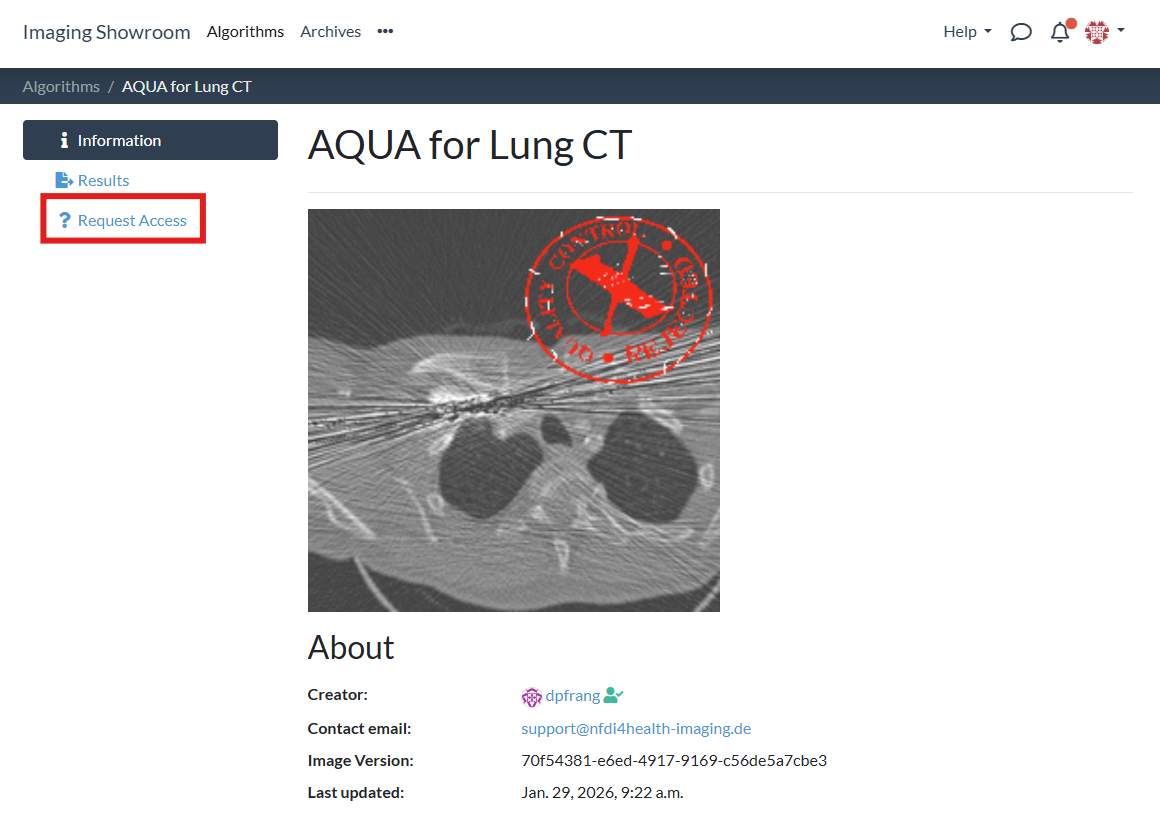
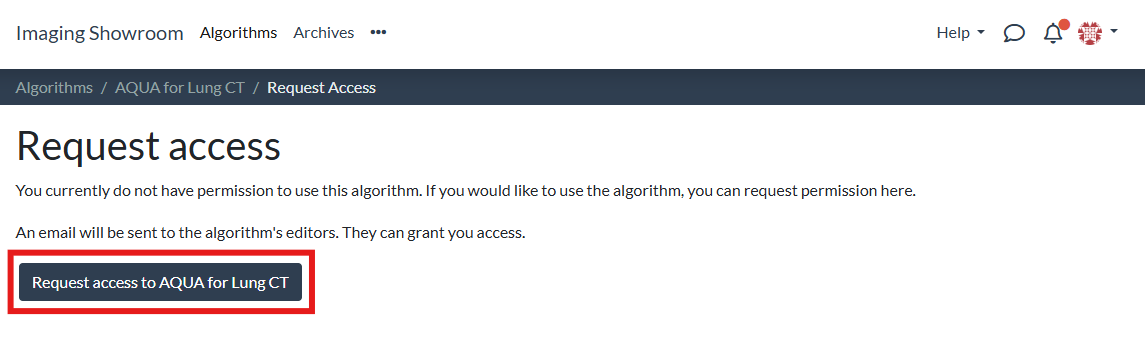
In order to request access to an algorithm, follow these steps:
- 1
-
2
Open the "Request Access" tab:
-
3
Click the "Request access" button:
-
4
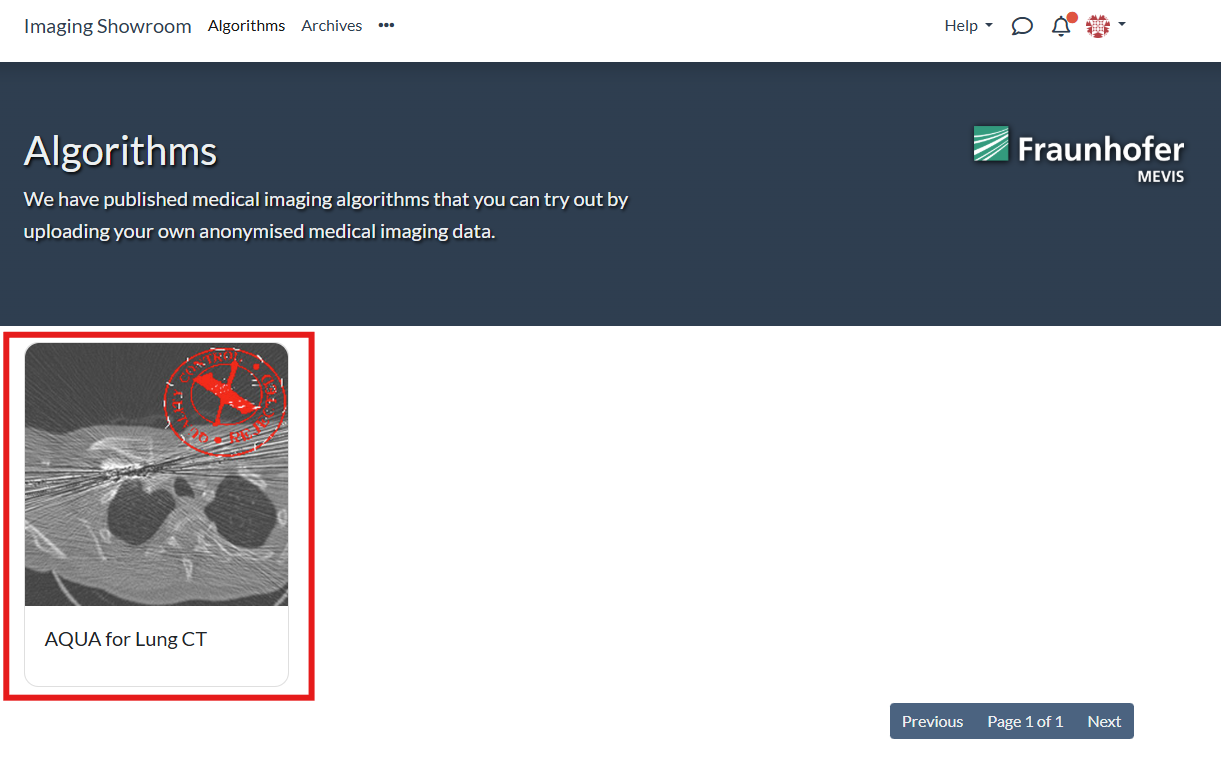
Depending on the configuration for the specific algorithm, you either get instant access (as long as you are verified) or you need to wait for the editors of the algorithm to manually review your request.
User Roles and Access Restrictions
There are two types of users for algorithms:
- Editor: An editor is someone who can edit the algorithm settings, add other editors, add and remove users, and update the algorithm's container image. An algorithm can have as many editors as you want.
- User: A user is someone who can try out the algorithm by uploading an image to the algorithm and inspecting its output.
Public vs. private algorithms
An algorithm can be public or private. If an algorithm is private, it will not appear in the list of algorithms. Users can then only request access and use the algorithm, if given the URL. A public algorithm in turn is visible on the algorithm overview page. Even if an algorithm is public, users first need to request access before being able to run the algorithm.